
The most common reason for an rc helicopter not responding to remote is a depleted battery in either the transmitter or the model itself. If the power source is low, the signal can’t maintain a stable connection, causing the controls to become unresponsive or behave erratically. Checking the voltage levels of both the remote batteries and the helicopter flight pack is the fastest way to identify the source of the problem. If you’re unsure how to check your battery health, consult the user manual included with your specific model for the recommended voltage range.
Why the helicopter isn’t responding
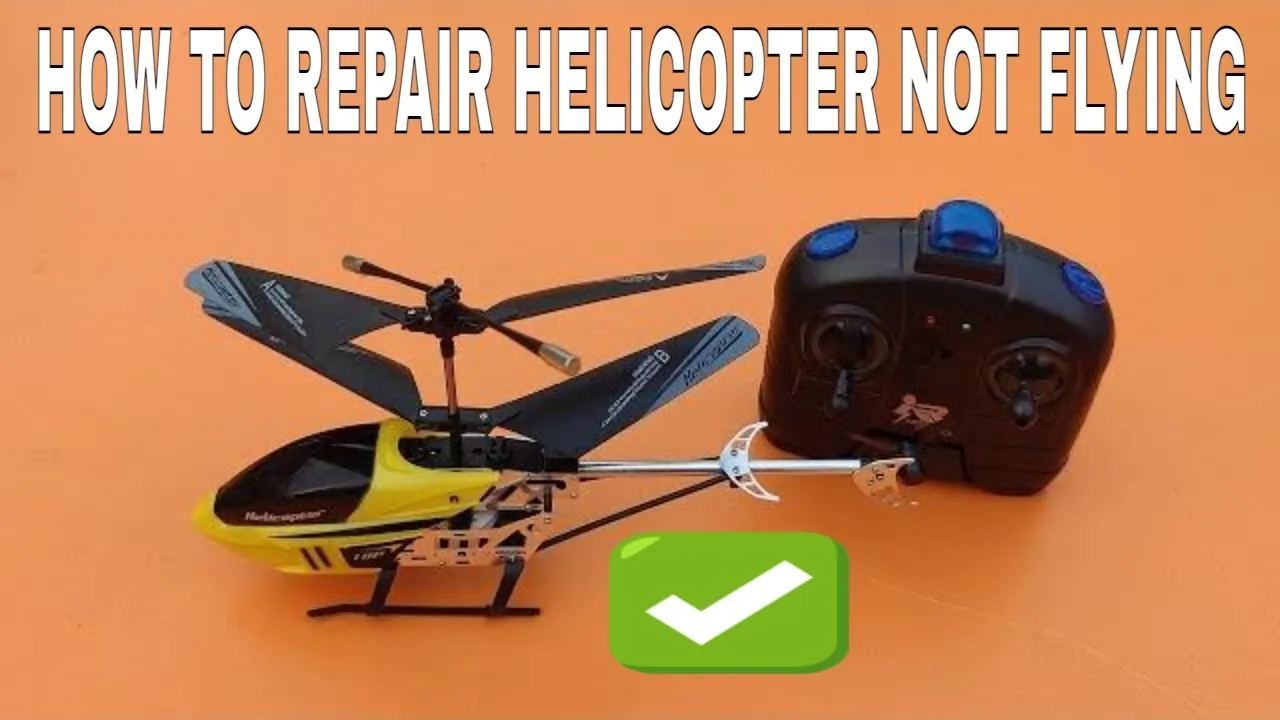
Most failures stem from basic power issues, though interference or binding problems can also occur. The following table ranks these issues based on how frequently they cause a loss of control.
| Cause | How common | How to confirm it | Fix it yourself? |
|---|---|---|---|
| Low battery | Very common | Check power light | Yes |
| Binding error | Common | Re-run pairing sequence | Yes |
| Signal interference | Occasional | Move to open area | Yes |
| Broken antenna | Rare | Inspect wire integrity | Yes |
| Transmitter fault | Rare | Test with second unit | No |
| Internal board failure | Very rare | Check for burnt smell | No |
Voltage drops are the silent killer of signal integrity. If your battery voltage dips under load, the receiver may reboot while the transmitter remains active. You should have a technician verify this by checking the telemetry data logs for a sudden voltage spike or drop right before the signal cut.
Many users mistake range limits for interference. If your signal drops consistently at exactly 100 yards, you’re likely hitting the hardware’s physical range limit rather than environmental noise. If you lose connection in a dense urban area but maintain a perfect link in an empty field, interference is the culprit. In that case, switch your transmitter to a different frequency channel to bypass the congestion.
Never ignore a frayed antenna wire. If the wire looks damaged, replace the entire antenna lead immediately.
Safety: Inside a mains-powered machine, the parts behind the outer cover can hold a dangerous electrical charge even after it has been unplugged — that’s why they sit behind a cover. Opening the housing, or testing or replacing anything behind it, is a job for a qualified technician, never a home repair.
Depleted batteries as a primary cause
A low voltage state prevents the internal receiver from processing commands sent by the transmitter. When the voltage drops below the threshold required for the logic board to operate, the helicopter will often enter a failsafe mode, which leaves the rotors stationary even if the remote is on. You can confirm this by checking the LED indicators on both units; most manufacturers include a specific light pattern in their documentation to indicate low power levels.
To fix this, replace the batteries in your transmitter with a fresh set of the same type and voltage. For the helicopter, ensure the flight pack is charged using the official charger until the indicator shows a full cycle.
Charging times vary depending on the battery capacity and the charger output; for a standard 300mAh lithium-polymer battery, expect a charge time of about 45 to 60 minutes. If the flight pack doesn’t hold a charge after this period, it has likely reached the end of its useful life and requires a replacement.
If you use a rechargeable transmitter, ensure it’s plugged into a wall outlet for the full duration specified in your manual. Never leave charging batteries unattended, as improper handling can lead to overheating or fire risks as detailed by the Consumer Product Safety Commission. If the helicopter still fails to respond after a full charge, the issue may lie in the pairing process rather than the power supply.
Pairing and binding issues
Binding is the electronic handshake between your remote and the helicopter that allows them to communicate on a unique frequency. If the connection was lost, the helicopter will often blink its lights in a rapid or specific sequence to indicate it’s searching for a signal. You can distinguish this from a power issue because the lights will be bright and active, whereas power issues usually result in dim or completely dark indicators.
To re-bind the devices, turn on your transmitter first and place it near the helicopter. Connect the battery to the helicopter, then move the throttle stick from the lowest position to the highest and back down quickly. This movement acts as a signal for the receiver to lock onto the transmitter’s frequency. If your model uses a specific bind button on the receiver, press it while the helicopter is powered on and wait for the status LED to turn solid.
This process should take less than 30 seconds if successful. If the lights continue to flash after several attempts, ensure no other 2.4GHz devices, such as Wi-Fi routers or other remote-controlled toys, are operating nearby. Interference from other signals is a common mistake that prevents the initial handshake from completing. If you have tried the bind procedure three times without success, the internal receiver board may be faulty.
Signal interference and environmental factors
Signal interference occurs when external radio waves disrupt the connection between your transmitter and the receiver. This is most common in urban environments or areas with many electronic devices, which can bounce signals and cause the helicopter to drop its link. You can tell if this is the cause by moving the entire setup to a large, open field away from buildings and power lines.
If the controls work perfectly in an open area but fail in your home, the environment is the culprit. Avoid flying near large metal objects or high-voltage equipment, as these can block the radio frequency. A common mistake is flying near Wi-Fi routers or cordless phone bases, which often share the 2.4GHz spectrum. If your controls stutter near these devices, move at least ten feet away to regain stability.
Ensure your antenna, if it’s an external wire, is pointing straight out and isn’t kinked or touching the metal frame of the helicopter. A damaged antenna wire will significantly reduce the range of your transmitter. If the insulation is stripped or the copper core is frayed, the signal will bleed out before reaching the receiver.
If you find that your helicopter only responds when the remote is within a few feet, check the antenna alignment again. Note that the effective range is limited by the specific radio protocol of your model; always check your manual for the rated distance, as this varies from 30 to 100 meters depending on the class of the toy.
Rare technical failures
-
Damaged antenna: A snapped or pinched internal wire prevents signal reception. If the wire is visibly severed, professional repair or board replacement is required.
-
Transmitter hardware failure: Internal joystick potentiometers eventually wear out. If the remote fails to register movement in one axis while others respond normally, the potentiometer has likely worn out. This usually requires a complete unit replacement.
-
Receiver board short: Exposure to moisture or extreme heat causes permanent failure. If the status LED remains dark despite a fresh battery, the board is likely fried. This is a non-repairable component for most hobbyists.
-
Controller firmware corruption: Electronic glitches can cause the software to freeze. Users often mistake this for a battery issue.
What a professional fix involves
Fixing a persistent signal issue often requires specialized tools like fine-tip soldering irons or diagnostic software that most home users don’t possess. If the problem is a faulty receiver board, the fix involves removing the outer shell and replacing the entire electronic module. This is a task for those with experience in micro-soldering, as the components are delicate and sensitive to heat.
The cost of a repair depends on whether you have a modular design where parts can be swapped easily. If you must pay a professional, the labor cost often approaches the price of a new helicopter. Before seeking professional help, check if your product is still under the manufacturer’s warranty.
You can find the warranty status and contact details for technical support by visiting the official website of the company that produced your specific model. Most support pages provide a clear guide on how to initiate a warranty claim for hardware defects.
Frequently Asked Questions
Can I just buy a new remote?
You can only buy a new remote if your helicopter supports “binding” to a replacement transmitter, which is rare for entry-level models. Most budget helicopters come as a factory-paired set, meaning the receiver and transmitter are permanently linked. Check your manual to see if your model allows for “transmitter binding” before you spend money on a new remote that may not connect.
How long should the battery last?
A standard battery usually lasts between 5 and 10 minutes of flight time, depending on the intensity of your maneuvers and the weight of the model. If you notice your flight time dropping significantly below this range, your battery is likely degraded and needs a replacement. Always check the capacity in milliamp-hours printed on the battery label to ensure you buy a compatible spare.
Is it safe to fly near power lines?
It’s never safe to fly an rc helicopter near power lines, as interference can cause a total loss of control and the risk of electrical shock. Keep your model at least 50 meters away from all electrical infrastructure to prevent accidents. If your helicopter ever lands near a power line, leave it there and don’t attempt to retrieve it under any circumstances.
What happens if the helicopter gets wet?
Water exposure will almost certainly cause a short circuit on the delicate receiver board, making the helicopter unresponsive to the remote. If your model falls into water, immediately disconnect the battery and let the components dry for at least 48 hours in a warm, dry place. Don’t attempt to power it on until it’s completely dry, but be aware that corrosion often causes permanent failure.
Does the distance matter?
The distance between you and the helicopter matters because every transmitter has a maximum range limit, often between 30 and 100 meters. If you fly beyond this limit, the signal becomes too weak for the receiver to interpret, leading to unresponsive controls. Always keep the helicopter within your line of sight to ensure you stay well within the effective range of the radio signal.
Why do the lights blink fast?
Fast blinking lights usually indicate that the helicopter is in “binding mode” and is looking for a signal from the transmitter. If the lights don’t turn solid after you move the throttle stick, the transmitter and receiver aren’t successfully pairing. Ensure the transmitter is turned on first, then power on the helicopter, and finally perform the throttle stick movement to complete the link.
Conclusion
If these quick fixes don’t get your blades spinning, don’t worry. Sometimes a simple internal wire has come loose or a component has failed. It’s a good idea to reach out to the manufacturer’s support team; they’ll help you figure out if it’s time for a repair or a replacement part.